Table of Contents
This post about mockups was sponsored by Design Bundles but all views and opinions are my own.
I’ve been looking at more items I can add to my online shop as 2 Lightroom Presets won’t get me very far. I’ve been considering adding Pinterest templates to my selection of available projects as I’ve had some success with the templates I’ve been using. The issue is I want to add mockups to my post so customers get an idea of what I’m selling but finding the right way to do this was proving tricky for me. I did a lot of research and I think I’ve got it sorted. This post is for anyone who is in the same position and not only for a way to create mockups but to explain what they are and how they can benefit you and your business.
1. What are logo mockup files?
A mock up is pretty much what it sounds like. It’s a full-size representation of what your product will look like with your logo/branding and where it will be. It’s like being able to write a blog post and preview it before publishing. It’s a fast way of creating a product or sales page and being able to play with all the features and sizing before launch.
One thing to beware of is the files are of different types. It depends on which platform you use for your design what you download. I use Canva so I stick to png files but for anyone who uses Illustrator or Photoshop, there are files you can download which are specific to those platforms.
2. Who can use them?
Anyone with a visual business can use them but I seriously recommend them for anyone who is creating imagery for sites like Etsy. You can make images that will stand out and show your personal branding as well as promote your products.
3. Results you can get
To get the best results make a start with a mockup logo and an outline of what you want to achieve. There are lots of options on the site and you need a clear vision of what you’re looking for. The mockup I’ve been looking at is the desk scene creator which would help me to create my own stock images for my blog. It has movable objects and backgrounds for Photoshop and I can put the elements where I want them.
4. Benefits of using mockups
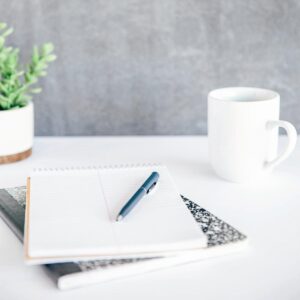
For me, the benefits of using mockups would be creating my own images for the blog. I love the flexibility of stock images but sometimes the items aren’t in the right place. Take the image below and an example. I want the image to be at the bottom rather than the top. This means there will be issues with the layout:

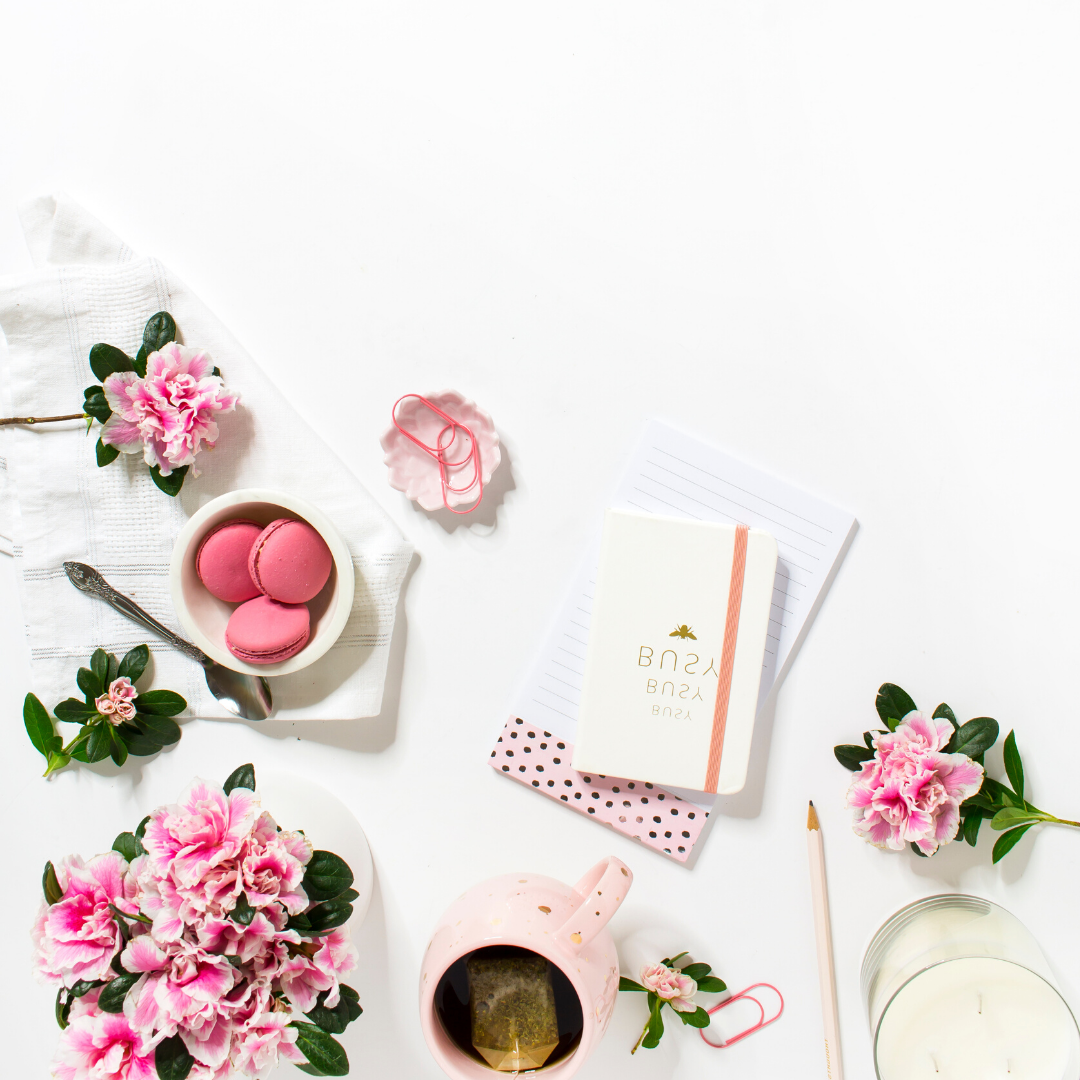
- The writing on the notebook ends up upside down.
- The mug feels like it’s pointing in the wrong
- In general, the positioning of all the items don’t feel right
If I’d used a mockup to create the image I’d be able to move the items around to create a second image (with the elements of the first) that works for my purposes. The other benefit of these files is the usage rights that they come with. Make sure you check that they are suitable for your needs. If your end goal is to create images that can be used on blog posts and social media then you’re good to go. If you want to use them for commercial purposes then you need to check the usage rights of what you’re buying.
For me, the mockups would give me an idea of poistioning for actual photos and I would make sure I purchased the templates for the products I was trying to sell. They definitely take a lot of the guesswork out of creartung stunning imagery for my blog and without the worry if trying to take a photo and
PIn this for later
Overall I think mockups are a great idea and are a fab way of turning an idea into reality. I may not be ready to launch mine just yet but when I am I’ll be using the ones I created during the creation of this blog post. I definitely think I’ll be invetsing in the desk scene creators as they make a lot of sense for the posts I’m currently creating.
have you considered using mockups before or will you after this post?
Disclaimer: The image used in this post was a stock image that I used to show why a design bundle would be beneficial and is not available on their site. All views and opinions on the service are my own.